
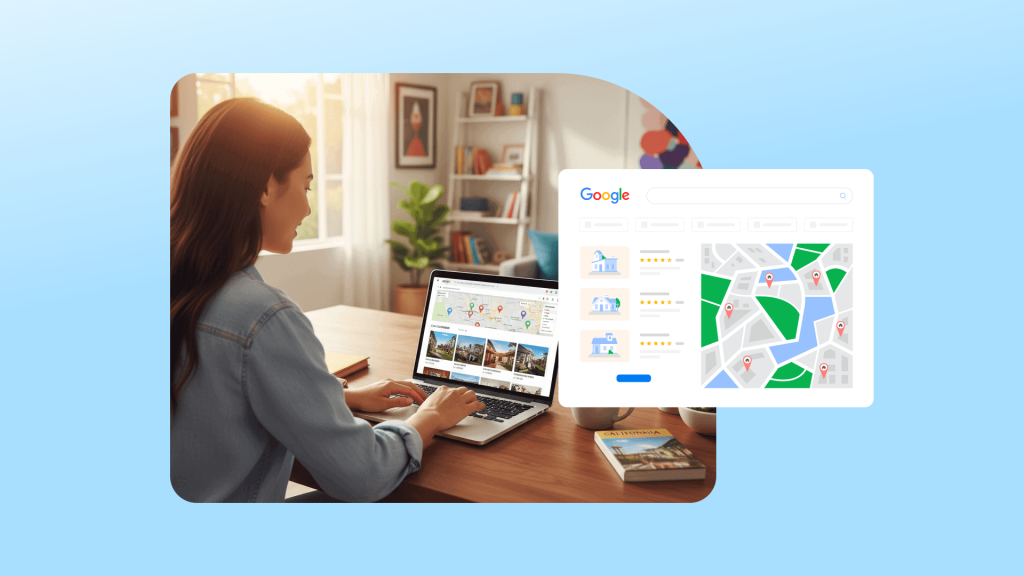
Airbnb offers huge opportunities for hosts, but standing out is tougher than ever. To get more bookings, you need to go beyond the basics. One powerful yet underused strategy that many hosts rarely consider is to actively promote your Airbnb listing on Google, as it can be the key to truly rising above the competition.
Essentially, promoting your listings on Google is about reaching guests with a clear intention to book. These are people who are actively searching for accommodations, browsing maps, or exploring travel content. By showing up at this stage, you can capture their attention before they even land on Airbnb. This approach can significantly improve your occupancy and reduce reliance on Airbnb’s internal traffic.
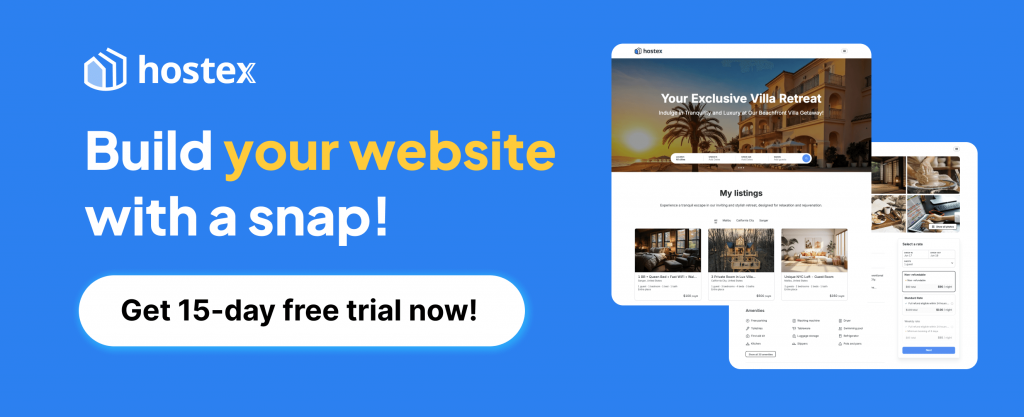
Tools like Hostex make this process much easier. Beyond automating your listings across multiple platforms, Hostex allows you to set up a professional direct booking site at zero extra cost. You can then publish your listings on Google with no commission.
Step 1. List Your Properties on Google Vacation Rentals
Google Vacation Rentals is a way to showcase short-term rental properties directly in Google Search, Google Maps, and Google Travel.
For Airbnb hosts, this means your listings can reach guests who are actively looking to book, often before they even visit Airbnb. Here are the benefits:
- Reach high-intent guests. These visitors are already searching for a place to stay, which increases the chance of bookings.
- Get direct bookings. You can attract reservations without paying Airbnb fees, giving you more control over revenue.
- Diversify traffic sources. Relying solely on Airbnb is risky. Listing on Google reduces dependence on a single platform.
- Improve local visibility. Your property can appear in multiple Google interfaces, including maps and local searches, increasing exposure.
How to List on Google Vacation Rentals
The process is simple, but there are a few steps to ensure your listing performs well:
1. Create a direct booking site. Use a platform like Hostex to build a professional site with 0 code and 0 fees. Make sure it includes detailed descriptions, high-quality photos, and clear booking options.
2. Prepare your listing. Hostex automatically syncs your Airbnb listing details to your direct booking website. Check that all property information is accurate. Include amenities, policies, and clear pricing.
3. Connect your listing to Google Vacation Rentals. Hostex allows one-click publishing, sending your property details, images, Airbnb reviews, and availability directly to Google.
Step 2. Optimize Your Listings for Google SEO
Optimizing your listings for Google SEO is a long-term strategy. It may take time, but there are several advantages to investing:
- Low cost. Unlike paid advertising, SEO requires time rather than large budgets.
- Long-tail traffic. Optimized listings can appear for many niche searches, increasing booking opportunities.
- Sustainable results. Once your listing ranks, it can maintain visibility with minimal ongoing effort.
- Enhanced credibility. Listings that appear in Google search signal professionalism and trust to guests.
Steps to Optimize Your Listings
1. Use a direct booking site for SEO
Create a site for your listings with Hostex. This allows Google to index your property pages and display them in search results. Make sure each page has unique titles, clear property descriptions, and professional photos.
2. Optimize page titles and headings
Include relevant keywords naturally, such as “best Airbnb in [city],” “vacation home in [city],” or “book [property type] near [landmark].” Use headings to break content into readable sections.
3. Write descriptive content
Provide detailed information about your property and local area. For instance, highlight nearby attractions, transportation, and restaurants. This improves relevance for Google and helps guests make decisions.
4. Optimize images and technical elements
Use descriptive file names and alt text for photos. For example, “beachfront-condo-miami.jpg” is better than “image1.jpg.” Ensure your site loads quickly and is mobile-friendly.
5. Build local SEO signals
List your property on Google Business Profile. Encourage reviews and ensure NAP (Name, Address, Phone) consistency. This increases the chances of appearing in local searches and Google Maps.
6. Earn backlinks and references
Ask local blogs, tourism guides, or travel websites to link to your listing. Backlinks improve your site’s authority and search ranking.
7. Update content regularly
Keep property descriptions, availability, and photos current. Google favors pages that are active and regularly updated.
8. Monitor performance
Use Google Analytics and Search Console to track traffic and search queries. Adjust keywords, content, and pricing based on what drives bookings.
Step 3. Promote Your Listings with Google PPC Ads
Google search ads are powerful because users often have clear booking intent. When someone searches for a vacation rental in your area, they are actively looking for a place to stay. Therefore, if you can capture these searches, you can reach high-intent guests and drive direct bookings efficiently.
1. Prepare a Landing Page
Before launching ads, you need a landing page that converts. There are two main options:
① Direct your ads to your Hostex direct booking site.
This is simple and leverages your existing property page. Ensure the page is complete, with clear pricing, availability, and booking options.
② Create a dedicated landing page for the ad campaign.
This page should highlight your property and its advantages. Include:
- Property highlights: Location, capacity, and unique features.
- High-quality photos: Showcase bedrooms, living areas, and amenities.
- Guest reviews: Hostex can sync your Airbnb reviews and display them on the landing page.
- Clear call-to-action (CTA): For example, “Book direct & save” or “Check availability now.”
2. Launch Google Ads
Once your landing page is ready, you can create a Google Ads campaign. Steps include:
- Sign in to Google Ads and select New Campaign.
- Choose Search as your campaign type.
- Set a goal, such as Website Traffic or Conversions.
- Define your target location (city, neighborhood, or region).
- Select your audience and language settings.
- Link your landing page URL.
- Create compelling ad copy: include property highlights, unique selling points, and a strong CTA.
- Set bidding strategy. For new campaigns, start with manual CPC to control cost and gather performance data.
- Review and launch the campaign. Monitor clicks, impressions, and conversions daily during the first week.
3. Choose the Right Keywords
Keyword selection is critical to avoid wasted ad spend. Using precise, location-specific, and booking-intent keywords ensures your ads reach the right audience.
High-conversion keywords (priority):
- city + Airbnb
- area + vacation rental
- Airbnb near + landmark
- family Airbnb in + city
- pet friendly Airbnb + city
4. Budget Recommendations
Start with a small test budget to gather performance data:
- Test period: $10–30 per day per city
- Cost per click (North America): $0.8 – $2.5, which is often lower than Facebook Ads and targets higher-intent users
After the test phase, analyze which keywords and ad copies drive the most bookings. Then, optimize by increasing budget on top-performing ads and pausing underperforming ones.
5 Common Pitfalls to Avoid When Promoting Your Listings on Google
Even experienced hosts can make mistakes when promoting their listings. Avoiding these common pitfalls can save money and improve results.
❌ Directing ads to your Airbnb listing page
Sending traffic straight to Airbnb is tempting but inefficient. Guests may compare with other listings first, and you cannot track conversions or capture their contact details.
❌ Running ads without a landing page
Without a dedicated landing page, your ad spend is wasted. Visitors need a clear and persuasive page that highlights the property, includes photos and reviews, and features a strong call-to-action.
❌ Using overly broad keywords
Broad keywords attract irrelevant traffic. For example, terms like “cheap rent” or “monthly apartment” lead to clicks that rarely convert into bookings.
❌ Skipping conversion tracking
If you do not track clicks, leads, and bookings, you will not know which ads generate revenue. Consequently, you may waste money on underperforming campaigns.
❌ Ignoring mobile experience
Most guests search and book from mobile devices. If your landing page is slow, hard to navigate, or if images are not optimized, you will lose potential bookings.
Final Thoughts: Make the Strategies Work Together
In the previous sections, we shared several ways to promote your short-term rental on Google. But you probably know that the most effective approach is not just using one method in isolation.
When you combine Google Vacation Rentals, SEO, and PPC ads, the results are greater than the sum of their parts. Vacation Rentals gives you immediate exposure, SEO builds long-term organic traffic, and ads help capture high-intent guests quickly. Together, they create a system that fills your calendar more reliably.
The key is consistency. Keep your listings updated, ensure your landing pages are attractive and mobile-friendly, and track performance across all channels. Adjust as you learn what works best for your properties.
In other words, treat your listings like a professional business. The more thoughtfully you integrate these strategies, the more direct bookings you will get, and the less you will rely solely on Airbnb traffic.

 English
  Japanese
  Spanish
  Arabic
  French
  Russian
  German
  Portuguese
  Korean
  Italian
  Thai
Thai