
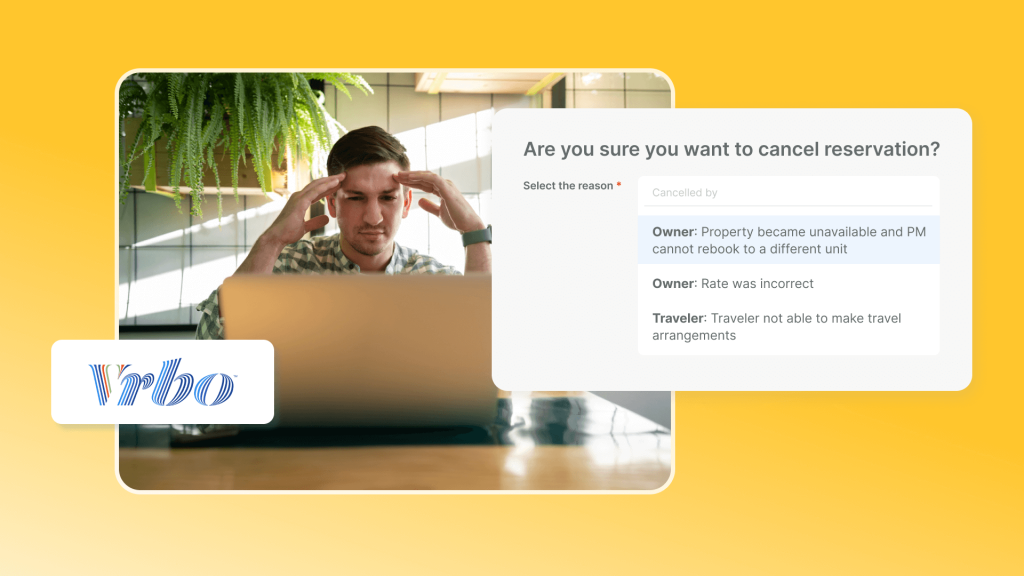
Vrbo’s cancellation policies are an important part of its platform policies, directly affecting how refunds are calculated and how hosts manage booking risk. Vrbo offers seven cancellation policies, ranging from Day-before, which provides a full refund up to 24 hours before check-in, to No refund. Hosts select one policy for each listing, and it takes precedence over the rental agreement when the two conflict. Each booking keeps the policy in effect when it was made, so later changes do not apply retroactively.
Choosing a policy also involves balancing flexibility with protection. Vrbo reports that a 5-day flexible policy generates nearly five times as many bookings, more than twice the booking value, and a 34% higher conversion rate.
This guide breaks down all seven cancellation policy tiers, explains how Vrbo calculates refunds under each one, and shows how to choose a policy that supports bookings while keeping cancellation risk under control.
Hostex can take care of more than 70% of your daily property management tasks across multiple platforms. That means less stress and more time to focus on growing your rental business. Plans start at just $4.9 per month.

What is a Vrbo Cancellation Policy?
A Vrbo cancellation policy is a set of rules that determines how and when a guest can cancel a reservation and receive a refund.
It establishes clear expectations for both hosts and guests before any booking takes place.
- For hosts, the policy serves as a safeguard for rental income. It ensures that sudden cancellations do not automatically translate into lost revenue, while still offering fair options for guests.
- For travelers, it provides transparency, so they know exactly what to expect if plans change. This clarity reduces misunderstandings and contributes to a smoother guest experience.
It is important to note that a Vrbo cancellation policy takes precedence over a rental agreement. Even if a lease or booking contract includes certain terms, the cancellation policy defined on Vrbo will always govern how refunds are handled. This means that properly setting and communicating your cancellation policy is a key step in protecting your business and maintaining trust with your guests.
Why the policy you pick changes how many bookings you get
Cancellation terms are a conversion signal. Travelers filter and compare on them before they book.
Vrbo’s own data makes the gap explicit. In its fall 2026 partner announcement, the company reported a wide gap. Listings with a 5-day flexible policy generate nearly five times as many bookings. They also earn more than twice the booking value and convert 34% better than stricter listings.
A gap that wide makes your policy a revenue lever.
The 7 Vrbo Cancellation Policies
You choose one policy per listing. It applies to every date in your calendar. The only exception is a seasonal policy for a specific date range.
| Policy | Full refund | Partial refund | After the window |
| Day-before | Up to 24 hours before check-in | None | No refund |
| Lenient | Up to 5 days before check-in | None | No refund |
| Relaxed | 14 days or more before check-in | 50% at 7–14 days | No refund |
| Moderate | 30 days or more before check-in | 50% at 14–30 days | No refund |
| Firm | 60 days or more before check-in | 50% at 30–60 days | No refund |
| Strict | 60 days or more before check-in | None | No refund |
| No refund | None | None | No refund |
The table above reflects the official policy options published by Vrbo. Here is how each tier behaves on a real listing.
1. Day-before Policy
This is the most guest-friendly tier on Vrbo, and one of the two added in September 2026.
- Cancel 1 day or more before check-in: 100% refund
- Cancel less than 1 day before check-in: no refund
It suits gap nights and the final two to three weeks before arrival. At that stage, an unsold night is the real risk. A booking you might lose beats a night you definitely will not sell. The trade-off is genuine. A guest can cancel the day before, leaving you with a night you cannot refill.
2. Lenient Policy
The 5-day window lines up roughly with how far out severe weather forecasts become reliable.
- Cancel 5 days or more before check-in: 100% refund
- Cancel less than 5 days before check-in: no refund
It works well on long-lead, high-demand dates, where a cancellation five days out can still be resold. For coastal inventory in storm season, it keeps guests booking without leaving you fully exposed.
3. Relaxed Policy
The Relaxed policy is Vrbo’s most guest-friendly option. The rules are:
- Cancel 14 days or more before check-in: 100% refund
- Cancel 7 to 13 days before check-in: 50% refund
- Cancel less than 7 days before check-in: no refund
This policy can attract more bookings, particularly from travelers seeking flexibility. However, it also carries a higher risk of last-minute cancellations for hosts.
4. Moderate Policy
Moderate policy balances guest flexibility with host protection. Refund rules are:
- Cancel 30 days or more before check-in: 100% refund
- Cancel 14 to 29 days before check-in: 50% refund
- Cancel less than 14 days before check-in: no refund
This option works well for properties in competitive markets, as it reassures guests without exposing hosts to extreme risk.
5. Firm Policy
The Firm policy provides stronger protection for hosts while still offering some flexibility to guests.
- Cancel 60 days or more before check-in: 100% refund
- Cancel 30 to 59 days before check-in: 50% refund
- Cancel less than 30 days before check-in: no refund
This approach is ideal for properties with consistent demand or during moderately busy seasons.
6. Strict Policy
Strict policy maximizes revenue security for hosts. Refund rules are:
- Cancel 60 days or more before check-in: 100% refund
- Cancel less than 60 days before check-in: no refund
In exchange, it filters out cautious travelers. It fits peak-season inventory where demand is dependable. On a low-demand listing, it usually costs more bookings than it protects.
7. No Refund Policy
The No Refund policy offers the highest level of protection for hosts. Guests are not entitled to any refund, regardless of when they cancel.
While this ensures income certainty, it can discourage bookings. It is generally recommended only for high-demand periods or very popular locations.
Seasonal policies work as an overlay
You are not locked into one setting all year. Vrbo lets you create a seasonal cancellation policy. It tightens or loosens your standard tier for a defined set of check-in dates.
Two mechanics matter. First, the policy is decided by the check-in date, not the whole stay. A booking from February 2 to February 24 follows the policy attached to February 2. Second, seasonal changes never apply to existing bookings.
How Cancellation Policies Affect Hosts
Cancellations influence more than just refunds. They can affect your listing’s visibility, incur fees, and impact your reputation.
When a host cancels frequently, their property may appear lower in Vrbo search results. Consistently honoring bookings signals reliability, while repeated cancellations suggest instability, which can reduce exposure to potential guests.
Canceling a reservation can also result in fees. Vrbo may charge a cancellation fee depending on timing and frequency. Additionally, service fees may be adjusted if a guest receives a refund, which can reduce overall revenue.
Reputation is another key factor. Guests expect hosts to honor their reservations. Frequent cancellations can lead to negative reviews, lowering trust and repeat bookings. Clearly communicating your Vrbo cancellation policy and sticking to it helps protect your standing and minimizes disputes.
How to Choose and Set Your Vrbo Cancellation Policy
Effectively managing cancellations is essential for protecting your income and maintaining your listing’s reputation. Here are the key steps for hosts:
Step 1: Match the policy to your booking window
Start with how far ahead guests book you.
- Long lead time, dependable demand: Firm or Strict, because a late cancellation is hard to replace.
- Long lead time, weather-exposed: Lenient, so guests stay confident while you keep five days of cover.
- Short notice and gap nights: Day-before, to convert the demand that arrives late.
- Mixed portfolio: Moderate, adjusted by season.
Step 2: Change your policy in your Vrbo dashboard
- Sign in to your Vrbo account.
- Open the listing you want to change.
- Go to your Calendar settings.
- Open the cancellation policy option.
- Select the tier you want, and save.
Vrbo confirms you can update your cancellation policy at any time in your Calendar settings. The change applies to new bookings only.
Step 3: Use seasonal policies for peak dates
If your peak weeks and shoulder weeks need different terms, do not change the whole listing. Build a seasonal policy instead.
Define the check-in date ranges, then set a stricter tier for peak weeks. Let it expire automatically when the range ends. Remember that the check-in date decides which policy applies to the entire stay.
Step 4: Handle a guest cancellation request
- Open the request in your Vrbo inbox.
- Confirm which policy was active when the booking was made.
- Check the refund window against the property’s time zone.
- Ask the guest to cancel from their own account, so the platform records it correctly.
- Keep every promise inside the platform message thread.
Do not quote a refund figure until the platform has confirmed it. If you list on several channels, a unified inbox keeps the Vrbo thread beside the Airbnb and Booking.com ones. That way you never lose the booking history behind a request.
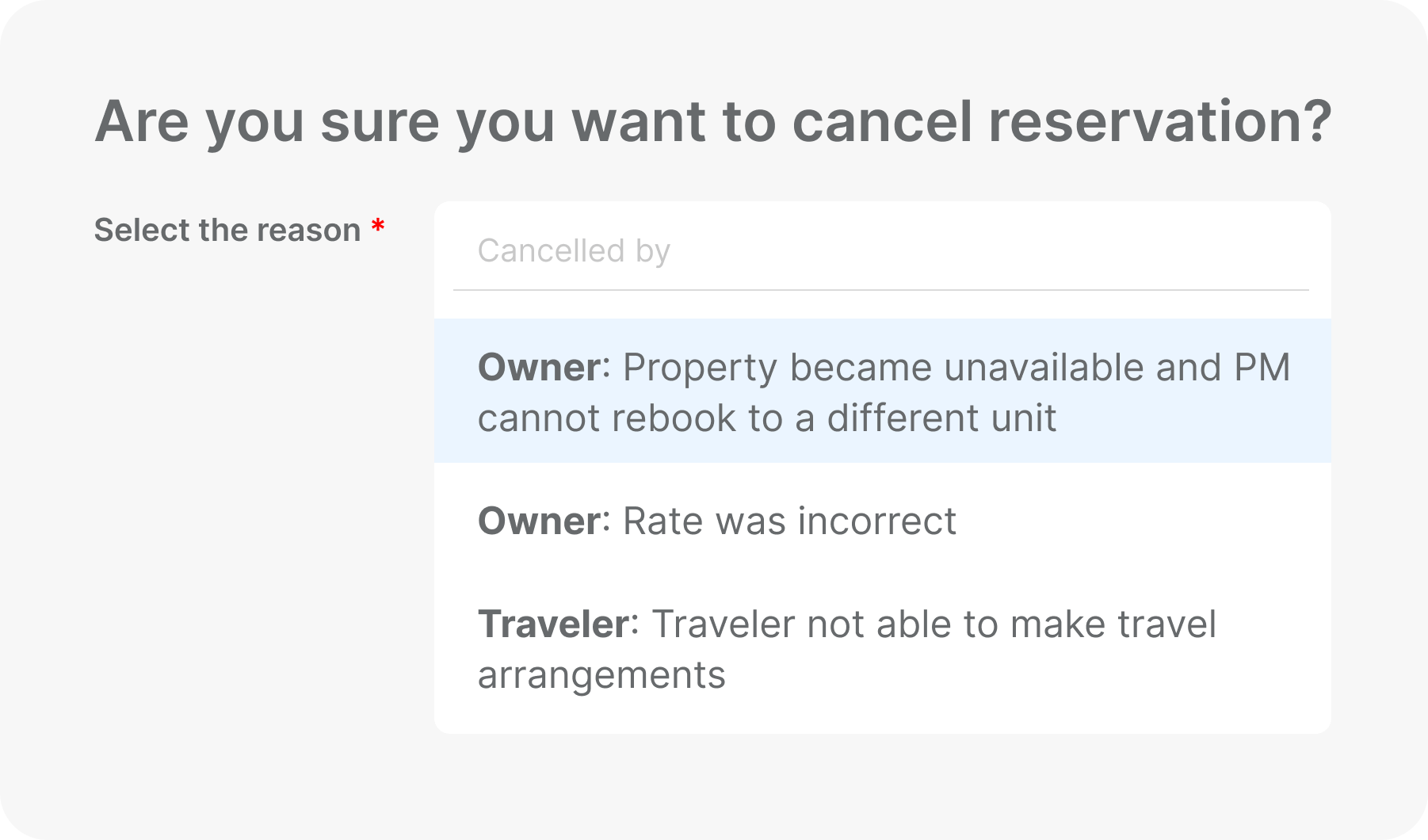
Step 5: What to do when you have to cancel as the host
If you cannot honor the booking, cancel it yourself. Pressuring a guest to cancel counts as a host cancellation under the Host Cancellations Policy.
Vrbo applies a sliding fee, based on how close to check-in you cancel.
| When you cancel | Fee |
| At or after check-in time | Up to 100% of the reservation amount |
| Within 48 hours of check-in | 50% of the reservation amount |
| More than 48 hours, within 30 days | 25% of the reservation amount |
| More than 30 days before check-in | 10% of the reservation amount |
The minimum fee is $50 USD plus applicable taxes, and there is no maximum. Beyond the fee, cancellations can cost you Premier Host status and push your listing down in search ranking.
You then have 10 days to file a waiver request. If it is not approved in that window, the listing is suspended for seven days. Waivers cover a defined set of reasons. These include a large-scale travel disruption, a guest breach of house rules, or a maintenance emergency. Suspected fraud and new regulations that make the booking unlawful also qualify.
Tips to Minimize Cancellations and Protect Your Revenue
Reducing cancellations not only safeguards your income but also maintains guest trust and listing visibility. Here are practical strategies for hosts:
1. Keep Your Policy Clear
Maintaining a clear and transparent Vrbo cancellation policy is essential for reducing last-minute cancellations. Guests are more likely to honor their bookings when they fully understand the rules, so make sure your policy is easy to find and explain any key terms early in the booking process.
2. Choose Your Policy Flexibility
Consider adjusting your approach based on your property type, guest demographics, and seasonal demand. High, shoulder, and low seasons may call for different levels of flexibility, while platform-wide policy changes or special events might require temporary adjustments.
3. Combine Pricing Strategies with Non-Refundable Policy
Pricing strategy can also help minimize cancellations. Offering non-refundable rates at a slightly lower price encourages committed bookings, while maintaining flexible or moderate options at standard rates ensures that you still attract cautious travelers. This combination allows hosts to maximize occupancy without taking on unnecessary financial risk.
4. Keep Your Calendar Updated
Accurate calendar management is critical. Using a Property Management System to sync multiple platforms ensures your availability is always up to date, reducing the likelihood of double bookings that could force you to cancel.
Automation tools like Hostex can handle over 70% of routine tasks, saving time and helping you avoid errors that might impact your Vrbo cancellation policy compliance.

FAQs About Vrbo Cancellation Policy
Can I offer different policies for different seasons?
Yes. Vrbo allows hosts to adjust cancellation policies based on seasonal demand. You can make your policy stricter during peak periods and more flexible in the shoulder or off-season. Seasonal adjustments help protect revenue while keeping your listing attractive to potential guests.
What happens if a guest cancels due to a natural disaster?
Vrbo’s extenuating circumstances policy may apply. If a cancellation is caused by events such as hurricanes, floods, or government-mandated travel restrictions, affected guests can receive a full refund regardless of your standard policy.
In these cases, hosts can also cancel the reservations; they also qualify for a waiver to prevent negative impacts on their ranking.
Are service fees refundable for cancellations?
Refunds of service fees depend on the type and timing of the cancellation. If a guest is eligible for a full refund under your Vrbo cancellation policy, service fees are typically returned. For partial refunds, service and processing fees may not be fully reimbursed. Clear communication of which fees are refundable is key to preventing disputes.
Can I negotiate cancellation terms after booking?
While it is generally best to follow the policy set on your listing, hosts do have some flexibility. Negotiating a partial refund or alternative arrangements can help maintain guest satisfaction, but any adjustments should be documented within the Vrbo platform to ensure transparency and protect your account.

 English
  Japanese
  Spanish
  Arabic
  French
  Russian
  German
  Portuguese
  Korean
  Italian
  Thai
Thai