
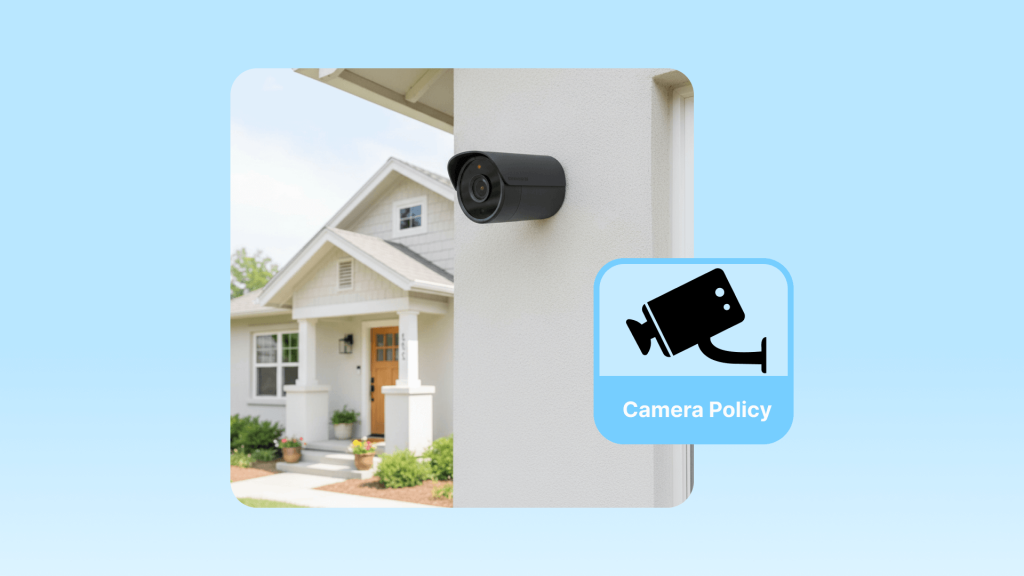
Finding the right balance between property security and guest privacy is a constant challenge for Airbnb hosts. You want to protect your investment from unauthorized parties or damage, but guests deserve to feel completely relaxed in their temporary home. Navigating the updated Airbnb camera policy is essential to maintaining this trust while keeping your business safe.
For years, many hosts relied on surveillance as a primary security measure. However, guest concerns regarding privacy and the rise of “hidden camera” headlines have shifted the landscape. As a result, the rules have changed significantly. This guide explores how you can stay compliant while still maintaining a secure, high-performing listing.
Fortunately, you do not have to choose between privacy and protection. Professional vacation rental management system like Hostex offer a smarter way to manage your property. Beyond its powerful automation features, Hostex provides robust security solutions, including guest screening, security deposits, and automated smart lock codes. Start at just $4.9 per month.

Deep Dive into the Airbnb Camera Policy 2026
As of April 30, 2024, Airbnb implemented a global ban on all indoor security cameras. This was not just a minor update. It was a total shift in how the platform views guest privacy.
What is Strictly Forbidden?
In the past, you could have cameras in common areas like hallways or living rooms if you disclosed them. That is no longer the case. Now, the rule is simple: if it is inside the four walls of the home, it is prohibited.
- Any Indoor Camera: This includes visible devices, hidden cameras, and even cameras that are turned off or unplugged. If a guest sees a camera in the corner of the living room, even if you prove it is disconnected, you are in violation.
- Private Spaces: Cameras were always banned in bedrooms and bathrooms, but this now extends to every interior part of the listing.
- Enclosed Outdoor Areas: You cannot place cameras in outdoor spaces where guests have a high expectation of privacy. For example, a camera facing an enclosed outdoor shower, a sauna, or a private hot tub area is strictly prohibited.
Where Can You Still Use Cameras?
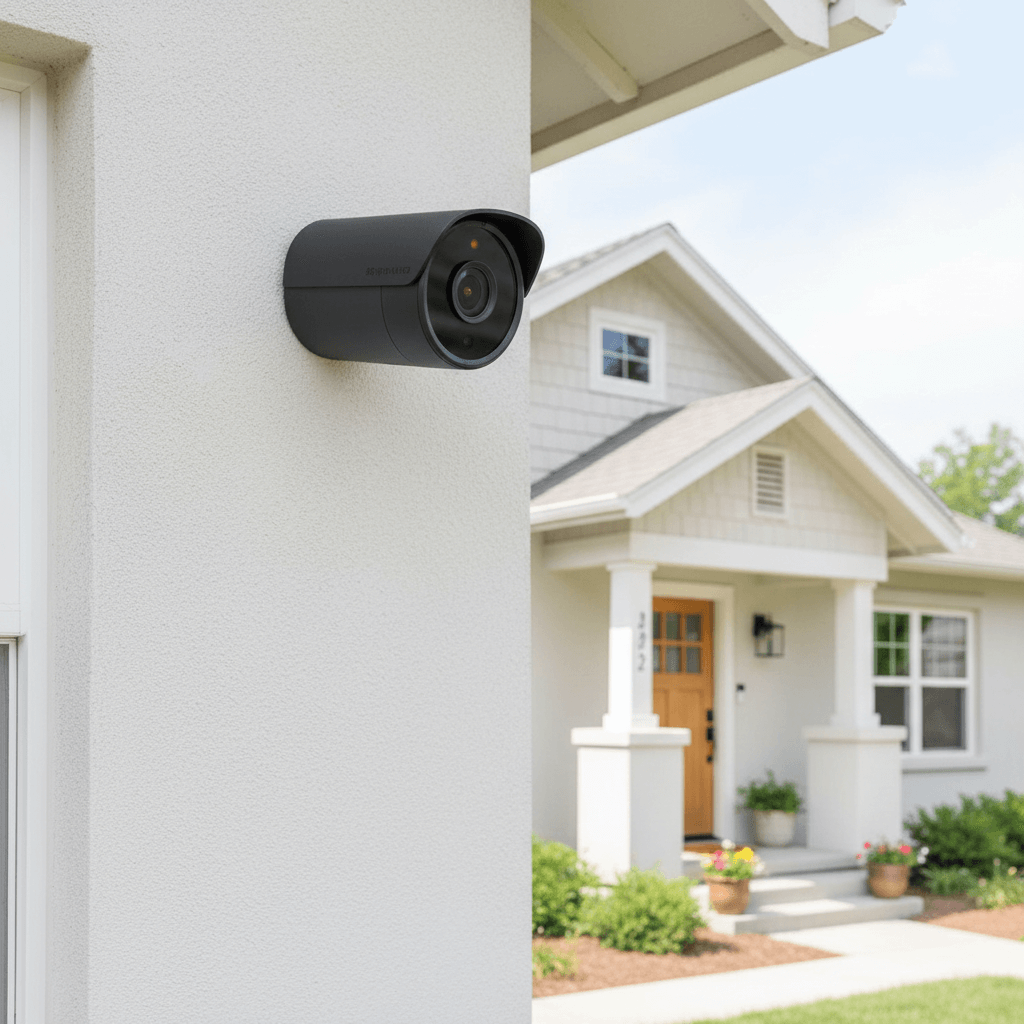
While the interior is off-limits, you still have the right to monitor the perimeter of your property. Outdoor security cameras and doorbell cameras are permitted, provided they follow these strict guidelines:
- Public-Facing Areas Only: You may monitor your front door, driveway, or the exterior of your garage.
- Explicit Disclosure: You must list every outdoor camera in your listing description. You need to state where they are located and what they are monitoring.
- No Interior Monitoring: Your outdoor cameras must not be positioned to “peek” through windows or doors into the interior of the home.
The High Cost of Non-Compliance
Airbnb is no longer giving out simple warnings for camera violations. They treat privacy breaches as major safety incidents. If a guest reports an undisclosed or prohibited camera, the platform usually acts quickly and decisively.
Firstly, you face an immediate investigation. During this time, your listing is often suspended, meaning you lose all potential booking income. Secondly, if the violation is confirmed, Airbnb may permanently remove your account. This is a devastating blow to any professional hosting business.
Moreover, the risks go beyond the platform itself. In many jurisdictions, recording a guest in a private space can lead to criminal charges or civil lawsuits. For example, hosts in various countries have faced jail time or massive fines for using hidden devices. Consequently, the only safe way to operate is to remove all interior recording equipment entirely.
Why the “Zero Tolerance” Approach?
You might wonder why Airbnb banned even disclosed indoor cameras. The answer lies in guest trust and brand reputation.
A few high-profile stories about hidden cameras caused widespread anxiety among travelers. By implementing a total ban, Airbnb is trying to reassure the global travel community that they are safe in any listing. As a result, hosts who embrace these privacy standards often see better reviews and more repeat bookings.
Global Legal Realities: Why Platform Rules Are Just the Beginning
Understanding the Airbnb camera policy is your first step, but local laws often carry much heavier consequences. While Airbnb might take down your listing, a violation of regional privacy laws could land you in a courtroom. As a professional, you must realize that platform rules are the baseline, while national laws are the ultimate ceiling for your operations.
In the United States, federal and state wiretapping laws protect individuals from unauthorized audio recording. Consequently, recording a conversation without consent can lead to criminal prosecution in many states. Across the Atlantic, the European Union enforces the General Data Protection Regulation (GDPR). This strict framework means that even exterior cameras must be registered or handled with extreme care regarding data storage.
Similarly, Canada and Australia have robust privacy acts that treat short-term rental guests with the same protections as hotel guests. In these regions, any form of indoor surveillance is often viewed as a criminal offense rather than just a policy breach. Therefore, you should always research your specific city and country regulations. Most importantly, remember that “I didn’t know the law” is never a valid defense in a privacy dispute. Always prioritize guest privacy to protect both your reputation and your legal standing.
Important Exceptions and Nuances
There is a very specific exception for certain hosts in Japan. If you operate with a Hotel Business License, local law might require an entryway camera. However, this camera must only monitor the interior entryway. It must be disclosed to guests, and it is strictly forbidden to record any audio.
Furthermore, you must distinguish between cameras and other smart devices. Devices like Amazon Alexa or Google Nest are still allowed. While Airbnb encourages you to disclose these, it is not a requirement. However, many successful hosts recommend letting guests know they can unplug these devices to make them feel more comfortable.
Step-by-Step Implementation and Best Practices for Hosts
To ensure your listing is bulletproof, you must address both your backend settings and your guest communication strategy. You should follow this checklist within your Airbnb hosting dashboard to ensure complete transparency:
- Locate the Safety Settings: Go to your Listings page and select the specific property. Under the Listing Editor, click on Your Space and find the Guest Safety section.
- Declare Every Device: Click on Safety Devices and then select Security Cameras or Audio Recording Devices. Even if a camera is currently turned off, you must include it if it is physically present on the exterior.
- Be Specific with Locations: Do not just write “I have a camera.” Instead, use clear descriptions like “I have a Nest doorbell camera at the front entrance to monitor arrivals and package safety.”
- Define the Field of View: Clearly state which areas are being monitored. For instance, explain that the camera covers the driveway and front yard only.
- Verify Private Zones: Double-check that no outdoor cameras are pointing at “private” areas like a backyard hot tub or a fenced patio. If they are, you should reposition them immediately.
Clear Communication with Your Guests
Clear communication often prevents complaints before they even happen. If a guest asks about your security, you can use these professional templates to reassure them.
Template A:
“Hi [Guest Name], we are so excited to host you! For your peace of mind, we want to mention that there is a doorbell camera at the front entrance. It is used solely to assist with a smooth check-in and to ensure the security of the property. We truly value your privacy, so please rest assured there are no surveillance devices of any kind inside the home.”
Template B:
“Hello [Guest Name], we wanted to provide a quick note regarding our outdoor security. We have a camera positioned over the garage to monitor parking and vehicle safety. This is a public-facing device and does not monitor any private leisure areas. We want you to feel completely safe and at home during your stay!”
As a professional property manager, you should not spend your day manually sending these disclosures. You can use Hostex to make this entire process hands-free and error-free.
- Triggered Messages: You can set up an automated trigger in Hostex. This ensures that every guest receives your security disclosures and privacy promises as soon as they book or a few days before arrival.
- Integrated Check-in Guides: You can embed your camera locations and privacy policy directly into your digital check-in guide. Hostex allows you to share this guide automatically, ensuring the guest has all the info they need in one professional link.
How to Secure Your Airbnb Beyond Cameras
The total ban on indoor cameras might feel like a loss of control, but in reality, it is an opportunity to upgrade to more sophisticated security. Professional property managers have already moved away from visual monitoring in favor of “privacy first” technology. These tools are often more effective at preventing issues like parties and property damage because they alert you in real-time before the damage is done.
1. Smart Locks
A smart lock is perhaps the most powerful tool in your security stack. Instead of watching a camera to see who enters, a smart lock gives you a digital log of every entry and exit.
When you use Hostex, you can integrate your smart locks to automatically generate a unique access code for every single reservation. This code only becomes active at check-in and expires immediately at checkout. This system eliminates the risk of lost keys and ensures that unauthorized guests cannot enter the property after a stay has ended. It provides a high level of security that a camera simply cannot match.
2. Noise Monitors and Occupancy Sensors
If your primary concern is preventing unauthorized parties, noise monitors like Alertify are the gold standard. These devices measure decibel levels and duration without recording a single word of conversation. If the noise exceeds your pre-set limit for a certain amount of time, you receive an instant notification.
For even deeper insights, you can use occupancy sensors. These devices monitor the number of active mobile devices connected to your WiFi or use infrared technology to detect the number of people in a room. Consequently, you can identify if a “quiet gathering” has turned into a massive party without ever needing to see a video feed.
3. Guest Screening and Damage Protection
Prevention starts before the guest even arrives. Using a screening service like Truvi allows you to automatically assess the risk level of every booking. These platforms flag suspicious behavior or past guest history, giving you the chance to cancel a high-risk reservation before it becomes a problem.
Furthermore, you should consider professional short-term rental insurance. Standard homeowners’ insurance often excludes commercial hosting activities. Professional policies are designed to cover guest-related damage and liability, providing a financial safety net that no camera can offer.
4. Security Deposits
A security deposit is both a financial safeguard and a powerful psychological deterrent. When guests know their money is on the line, they are significantly more likely to follow your house rules.
Hostex makes this process seamless by allowing you to collect and manage security deposits automatically. The system can hold the funds before arrival and release them automatically after checkout if no issues are reported. If damage does occur, you can easily retain the necessary amount. This creates a transparent, professional boundary that encourages guests to treat your home with respect.
Final Thoughts
One valuable lesson experienced property managers have learned is that security is often a psychological game. When you provide a seamless, high-tech check-in experience with a smart lock and a professional welcome message, you set a tone of authority. Guests who feel they are entering a well-managed, professional space are statistically less likely to violate house rules. Therefore, your digital infrastructure—the tools you use to communicate and manage access—acts as a far more effective deterrent than a visible camera in the corner of a room.
Moreover, remember that your reputation is your most valuable asset. A single guest complaint about an undisclosed camera can lead to a permanent ban, erasing years of hard work and hundreds of five-star reviews. In contrast, embracing privacy-safe technology like noise sensors and automated guest screening protects your business without ever making a guest feel uncomfortable.
Most importantly, do not view these regulations as a limitation on your ability to protect your property. Instead, see them as a push toward a more efficient way of operating. By integrating professional tools like Hostex into your daily workflow, you can automate your security, simplify your guest communication, and scale your business with total confidence.
The most successful hosts of the future will not be the ones with the most cameras. They will be the ones who provide the most seamless, secure, and private experiences for their guests. By following these guidelines and investing in the right tech stack, you ensure that your listing remains a safe haven for travelers and a profitable venture for you.

 English
  Japanese
  Spanish
  Arabic
  French
  Russian
  German
  Portuguese
  Korean
  Italian
  Thai
Thai