How do I copy the current price to another listing?
Hostex supports very convenient one-click and batch price adjustment functions, greatly improving price management efficiency.
But what if you have already set daily prices for Airbnb listings, and want to copy them to Booking.com listings with a single click? Our Pricing Copy feature perfectly addresses this need.
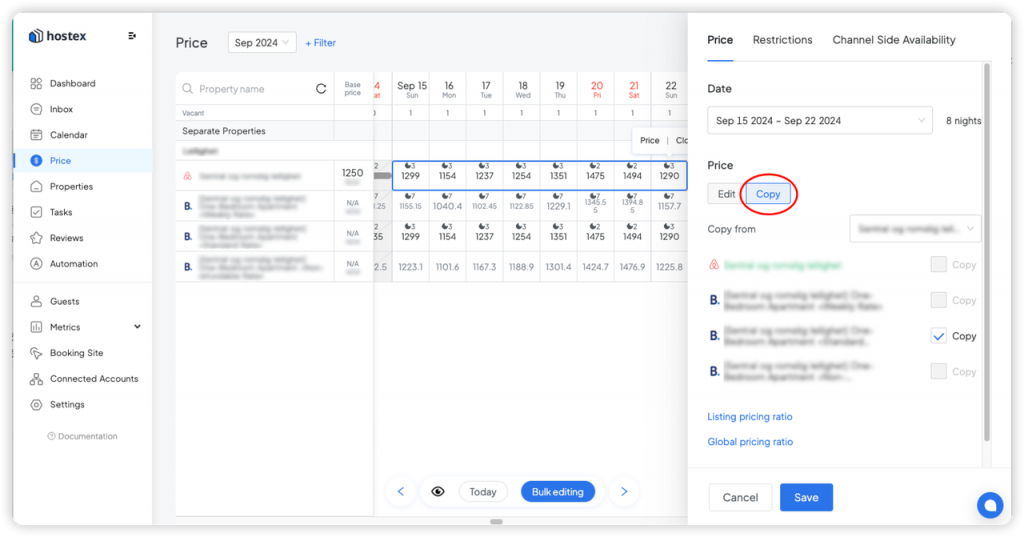
To copy prices:
- Log in to the Price section.
- Select the dates for the properties you want to set.
- In the Price settings in the pop-up box on the right, select Copy.
- Choose the source listing you want to copy from.
- Check the target listings you want to set.
- Save.
Notes:
- Copying prices across different room types or different properties is not supported.
- Price copying is only available for listings of different channels under the same property or the same room type.
 English
  Chinese