
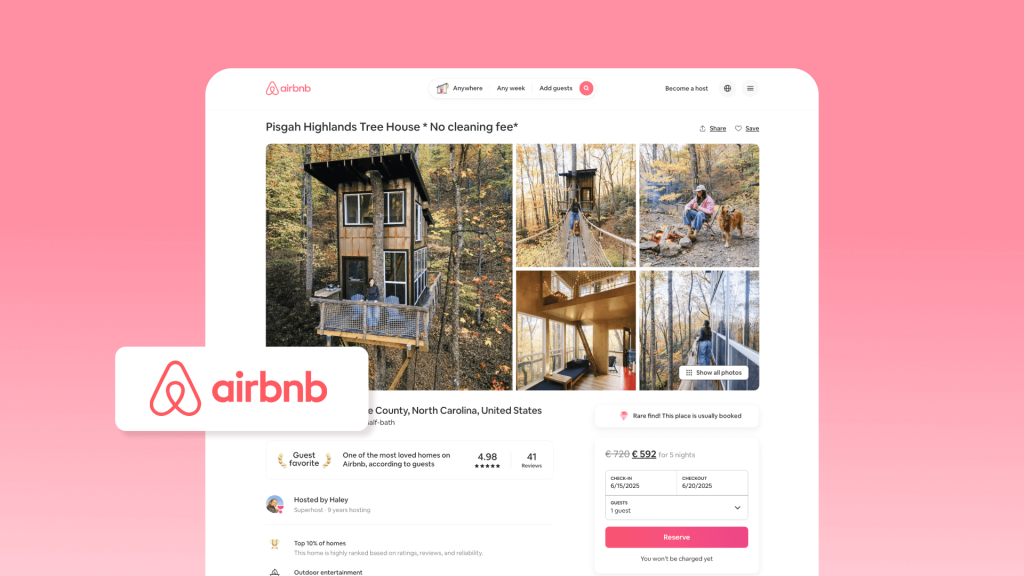
단기 임대 시작 특히 에어비앤비 숙소 등록 방법에 대한 가이드를 처음 찾을 때는 여정이 버거울 수 있습니다. 첫 에어비앤비 숙소를 등록하기 전에 각 단계를 명확하게 이해해야 합니다. 꼼꼼한 준비는 값비싼 실수를 피하고 향후 성장을 위한 탄탄한 기반을 마련하는 데 도움이 됩니다.
이 가이드에서는 완전하고 실용적인 로드맵을 제공합니다. 계정 생성부터 당신의 장소 이름 지정 to taking photos, setting prices, and publishing your listing. You can work through the steps while preparing your own page.
If you are still choosing a property or working out a startup budget, use our Airbnb hosting guide first. Here, we focus on creating and publishing the listing itself.
Before You Create Your Airbnb Listing
Rushing to list your property without preparation can lead to avoidable problems. Before you enter the listing details, have these essentials ready:
- Permission to host: Check local requirements and any lease or building restrictions. Keep required registration details ready for the listing. The regulations guide explains what to verify.
- A guest-ready property: Confirm safety, cleaning, access, and the amenities you can actually provide. Use the property setup guide for physical preparation.
- Your listing materials: Prepare accurate photos, sleeping arrangements, a description, house rules, and arrival details.
- An opening calendar and rate: Decide which dates you can host and what a stay needs to earn after costs. Keep unavailable dates blocked.
Airbnb’s publishing checks do not replace legal permission or suitable insurance. For the wider launch plan, use the short-term rental startup guide.
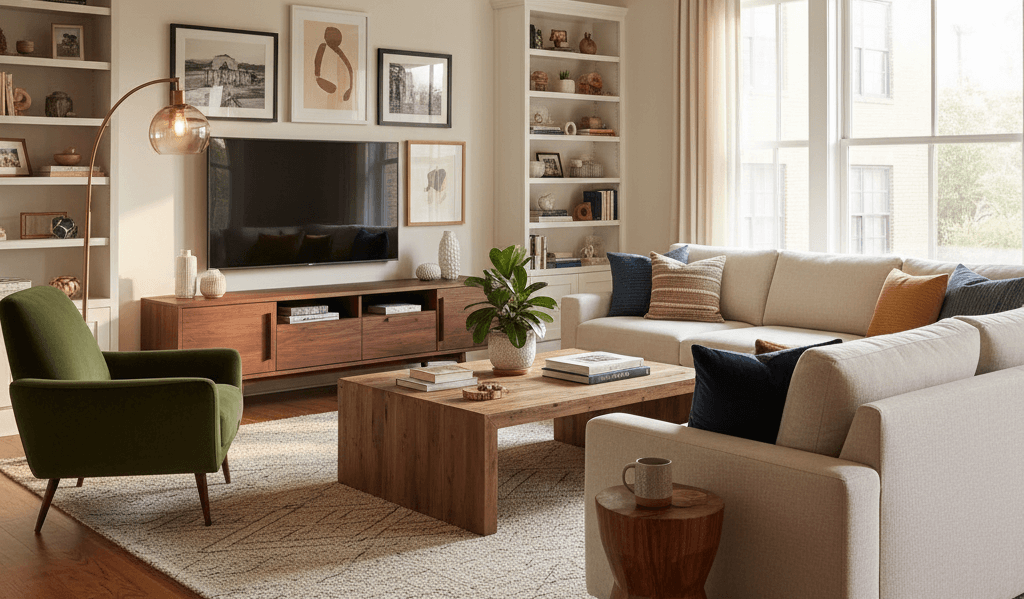
Airbnb에 숙소를 등록하는 방법: 단계별 가이드
1. Create Your Account and Complete Verification
Setting up an Airbnb account is straightforward. Sign in to an existing account or create an account using one of Airbnb’s supported sign-up methods.
- 가입 절차: 기본 정보를 입력하고, 이메일을 인증하고, Airbnb 이용 약관에 동의하세요.
- Account security: Keep your contact details current and review the security settings Airbnb provides. Give co-hosts their own access rather than sharing your password.
신규 호스트에게는 아직 후기가 없기 때문에 프로필이 매우 중요합니다. 잘 만들어진 계정은 신뢰를 쌓고 예약을 유도합니다. 다음 사항에 유의하세요.
- Verification: Complete the identity checks Airbnb requests. Hosts must finish verification before a listing can be published; Airbnb may verify details through trusted sources or request an ID.
- 프로필 사진: 선명하고 친근하며 전문적인 사진을 선택하세요. 고객이 더욱 편안하게 예약할 수 있도록 도와줍니다.
- 호스트 바이오: 진솔하고 따뜻하며 전문적인 설명을 작성하세요. 호스팅 철학, 경험, 또는 숙소의 특별한 점을 공유하세요. 즉, 개성을 드러내면서도 게스트에게 믿음직한 숙박 경험을 선사하세요.
2. Enter Your Property Details
Airbnb 계정이 준비되면 다음 단계는 숙소 등록입니다. 이것이 Airbnb 호스팅의 기본입니다.
단계별 목록 작성 프로세스:
- Start a new listing in the hosting area of your Airbnb account. Airbnb’s prompts and layout can differ between desktop, app, and account versions.
- Describe the property and space offered. Select the property type and indicate whether guests will have the entire place, a room, or another supported space type.
- Enter your location. Provide the full address and confirm the map pin. Add practical arrival details where requested.
- 기본적인 부동산 세부 정보를 제공하세요. 객실에 수용 가능한 인원(침실, 침대, 욕실)을 입력하세요. 이렇게 하면 투숙객이 객실의 수용 인원을 한눈에 파악할 수 있습니다.
- Set initial availability. Open only the dates you can reliably host. Review the advance notice and stay-length settings before publishing.
- 편의 시설 확인Wi-Fi, 에어컨, 주방 이용 가능 여부, 주차 공간 등 숙소에 제공되는 편의시설을 선택하세요. 이렇게 하면 숙소 정보가 투숙객 검색 결과와 정확하게 일치하는 데 도움이 됩니다.
- 검토하고 저장하세요Airbnb에서 초기 숙소 정보를 요약해 드립니다. 나중에 수정할 수 있도록 임시 저장해 두거나, 숙소 제목, 설명, 사진, 가격 추가 등 다음 단계로 넘어갈 수 있습니다.
3. Write Your Listing Title and Description
A strong title and well-written description help guests decide whether your place suits their trip. Your title introduces the main selling point, while the description explains the details and limitations guests should know.
Title Tips
당신의 에어비앤비 타이틀 간결하고 명확하며 주요 판매 포인트를 강조해야 합니다. 부동산의 차별성에 초점을 맞추세요. 예를 들어 위치, 전망, 특별 편의시설, 부동산 유형 등을 포함할 수 있습니다. 가능하면 50자 이내로 작성하세요.
예시 템플릿:
- 도시 전망이 보이는 아늑한 2BR 아파트
- 커플에게 완벽한 해변 스튜디오
- 도심 명소 근처 모던 로프트
- 수영장이 있는 가족 친화적인 주택
- 지하철에서 가까운 조용한 휴양지
Description Tips
Start with a compelling statement that captures attention and clearly communicates what guests can expect. Use a friendly and professional tone, then explain any important limitations rather than hiding them at the end.
다음으로, 세부 사항을 요점이나 작은 섹션으로 정리하세요. 다음 내용을 포함하세요.
- 예의: Wi-Fi, 주방, 주차장, 에어컨, 세탁실
- 하우스 규칙: 체크인/체크아웃 시간, 반려동물 정책, 흡연 규정
- 주변 명소: 레스토랑, 공원, 교통망
이런 구조 덕분에 숙소 목록을 쉽게 훑어볼 수 있고, 투숙객의 이해도도 높아집니다.
FAQ 및 주택 매뉴얼 활용
Answer common pre-booking questions in the description, and keep detailed appliance or access instructions in the appropriate guest information fields. For example:
- 주차가 가능한가요?
- 해당 건물에 어떻게 접근할 수 있나요?
- 수건과 린넨은 제공되나요?
이를 통해 고객의 혼란과 잠재적 분쟁을 줄이는 동시에 신뢰와 예약에 대한 확신도 향상됩니다.
4. Upload Clear, Accurate Photos
사람은 시각적인 동물이기 때문에 사진의 품질이 에어비앤비 숙소의 성패를 좌우할 수 있습니다. 사실, 첫 번째 커버 사진은 매우 중요한 역할을 합니다. 숙소의 주요 장점을 강조하고 시선을 사로잡아야 합니다.
포함해야 할 필수 샷
Airbnb 숙소 사진을 준비할 때 다음 사항을 꼭 포함하세요.
- 외부: 건물이나 주택 외관과 주변 환경을 보여주세요
- 광각 룸 샷: 거실, 침실, 주방 등 공간에 공간감을 더하세요
- 주요 편의 시설: 수영장, 발코니, 주방 가전제품, 작업 공간 등의 특징을 강조합니다.
- 세부: 장식, 침대 배치 또는 창문에서 보이는 풍경과 같은 작은 터치
조명, 각도 및 구성
Good lighting is critical. Natural light works best, so schedule photos during the day. Avoid harsh shadows or overly dim rooms. Shoot from corners to show the layout, keeping lines straight without making the room look larger than it is.
간단한 편집
기본적인 후반 작업을 통해 사진을 가짜처럼 보이지 않게 개선할 수 있습니다. 조정:
- 밝기와 대비 명확성을 위해
- 색상 일관성 모든 이미지에 걸쳐
- 자르기 방해 요소를 제거하다
전문가 고용 vs DIY
전문 사진작가는 시간을 절약하고 전환율을 높이는 고품질 이미지를 제공할 수 있습니다. 하지만 예산이 빠듯하더라도 최신 스마트폰을 사용하여 적절한 조명과 간단한 편집만으로도 훌륭한 결과를 얻을 수 있습니다. 매물 잠재력을 고려하여 비용 대비 효과를 평가해 보세요.
5. Set Your Initial Pricing
새로운 호스트로서, 적정 가격 설정 매우 중요합니다. 초기 가격 책정 전략은 숙소의 가시성을 높이고 첫 예약을 유치하는 데 도움이 될 수 있습니다.
소개 가격 vs 일반 가격
많은 신규 호스트가 조기 예약을 장려하기 위해 초기 요금을 낮게 책정합니다. 이는 후기를 쌓고 신뢰도를 높이는 데 도움이 될 수 있습니다. 숙소에 대한 피드백이 쌓이면 점차 표준 요금으로 조정할 수 있습니다.
동적 가격 책정 도구
You can use Airbnb’s available pricing tools or a third-party service such as PriceLabs to help review rates. If you prefer manual control, set prices for weekends, holidays, and high-demand dates yourself. Check the suggested prices and any discounts before accepting them.
주요 가격 구성 요소
- 최소 숙박 기간: 점유율과 편의성의 균형을 맞추기 위해 합리적인 최소 숙박 요구 사항을 설정하세요.
- 주말 프리미엄: 수요가 많은 주말에는 요금이 약간 더 높습니다.
- 청소비: 손님을 놀라게 하지 않으면서도 실제 비용을 반영합니다.
- 특별 프로모션: 조기 예약을 유치하기 위해 단기 할인 혜택을 제공합니다.
최적화 주기
Track bookings during the first month. Review every 7 or 30 days to see how your price performs. Adjust based on occupancy, guest feedback, and competitor rates.
6. Review Your Booking Settings
Before opening the calendar, make sure the rules match what you can actually deliver. These settings affect which stays guests can reserve:
- Availability and stay length: Check blocked dates, advance notice, preparation time, and minimum or maximum stays. Do not assume your calendar is restricted until you inspect the dates.
- Booking method: Choose the booking options available in your account. If you use 즉시 예약, review its guest requirements and any introductory approval settings you are offered. Do not assume you can demand a copy of every guest’s government ID.
- House rules and cancellation policy: State expectations about smoking, pets, visitors, and quiet hours, and read the cancellation options available for your listing.
- Fees and payout: Review the guest’s total price and your expected payout, including cleaning fees, discounts, and the service fee that applies to your account. Set up an eligible payout method; it is not necessarily a bank account in every region.
- Safety disclosures: Complete the safety fields accurately. Check Airbnb’s device rules before installing or disclosing cameras, recording devices, or noise monitors.
7. Review and Publish Your Listing
Read the listing from a guest’s point of view before making it public. Check that the photos, sleeping arrangements, amenities, rules, calendar, and price tell the same story. Resolve any identity, registration, or other required tasks Airbnb flags.
에어비앤비의 current desktop instructions direct hosts to 오늘. If you see You’re ready to publish, choose 게시; if you see Required to publish, complete the listed action first. Follow the prompts shown in your own account if the layout differs.
8. Check Your Published Listing
Open the live page and inspect the mobile view as well as the desktop. Check the photo order, text, map location, house rules, and the total price for a realistic stay. Do not make a fabricated reservation to test the page.
A published listing does not always appear in search immediately. Airbnb says visibility usually arrives within 24 hours, but it may take up to 72 hours. Confirm the listing is listed and has available dates that match your search before assuming it has failed to publish.
After Publishing: Prepare for the First Stay
The first bookings help you find gaps in your instructions and routine. Send a warm welcome message, check for calendar conflicts, and make sure someone can respond when guests need help.
셀프 체크인을 이용하는 경우, 시스템이 원활하게 작동하는지 확인하세요. 게스트를 안내할 수 있도록 사진이나 짧은 동영상을 제공해 주세요. 직접 체크인하는 경우, 게스트를 따뜻하게 맞이하고 질문에 답변해 주세요.
For arrival messages, cleaning, maintenance, and reviews, follow the Airbnb hosting guide. A system such as 호텍스 can help coordinate calendars, messages, and tasks as your workload grows. Choose tools around an actual coordination need; they do not replace local help or guarantee error-free hosting.

신규 호스트를 위한 Airbnb 숙소 FAQ
Do I need a business license to list on Airbnb?
It depends on your city or municipality. Many local governments require short-term rental registration or a business license, and some areas even limit the number of nights you can rent. My advice is to check official sources before listing. Failing to comply can result in fines or forced delisting. Starting with only one property does not exempt you from the rules.
How should I set a cleaning fee?
Calculate the real cost: professional cleaning, supplies, and your time if you do it yourself. Compare similar properties for the same stay length, looking at the total guest price rather than the cleaning fee alone.
Can I charge a security deposit?
Most Airbnb hosts cannot charge a security deposit. Limited exceptions apply, including some software-connected listings, and permitted deposits must be disclosed in the appropriate fee field. Adding a sentence to your house rules does not create permission to collect one. Check Airbnb’s current rules.
How long until I receive my first payout?
Airbnb typically releases a payout about 24 hours after check-in, but timing depends on the reservation, account, and payout method. Some new-host monthly-stay payouts may be released later, including 28 days after check-in in specified circumstances. Check your earnings dashboard and payout guidance; release time is different from arrival in your bank account.
How old do I have to be to host an Airbnb?
You must be at least 18 to hold an Airbnb account. You also need to meet the rules that apply to operating the property. See Airbnb’s account eligibility policy.
How many photos should I upload?
Use enough clear photos to show the spaces guests can use, sleeping arrangements, important amenities, and any limitations. A small room and a large house do not need the same photo count. The first photo is critical—it should show your strongest feature and make guests imagine themselves there. Use natural light and clean staging. If possible, consider hiring a professional photographer.
Should I set a minimum stay?
네, 하지만 균형이 중요합니다. 너무 길게 설정하면 최소 체류 기간 may reduce bookings, while a too-short one may increase cleaning and turnover stress. Analyze local demand, check local requirements, and choose a setting you can operate reliably.
마지막 생각
Once your listing is live, save a dated copy of the page and take a look at it whenever the property changes. A removed bed, a closed pool, or a different parking arrangement can leave yesterday’s description promising something you no longer offer.
When you update the page, also check whether an upcoming guest booked under the earlier description. Let them know about a material change promptly rather than leaving them to discover it at the door. Keeping the page and the real stay aligned is easier than trying to explain a surprise after arrival.

 Korean
 English
 Japanese
 Spanish
 Arabic
 French
 Russian
 German
 Portuguese
 Italian
 Thai