How to Connect with Strly
STRLY is a fully automated damage protection and guest verification platform, operating worldwide without disrupting the guest experience.
1. Login to your Strly account and navigate to Settings > Integrations > Hostex
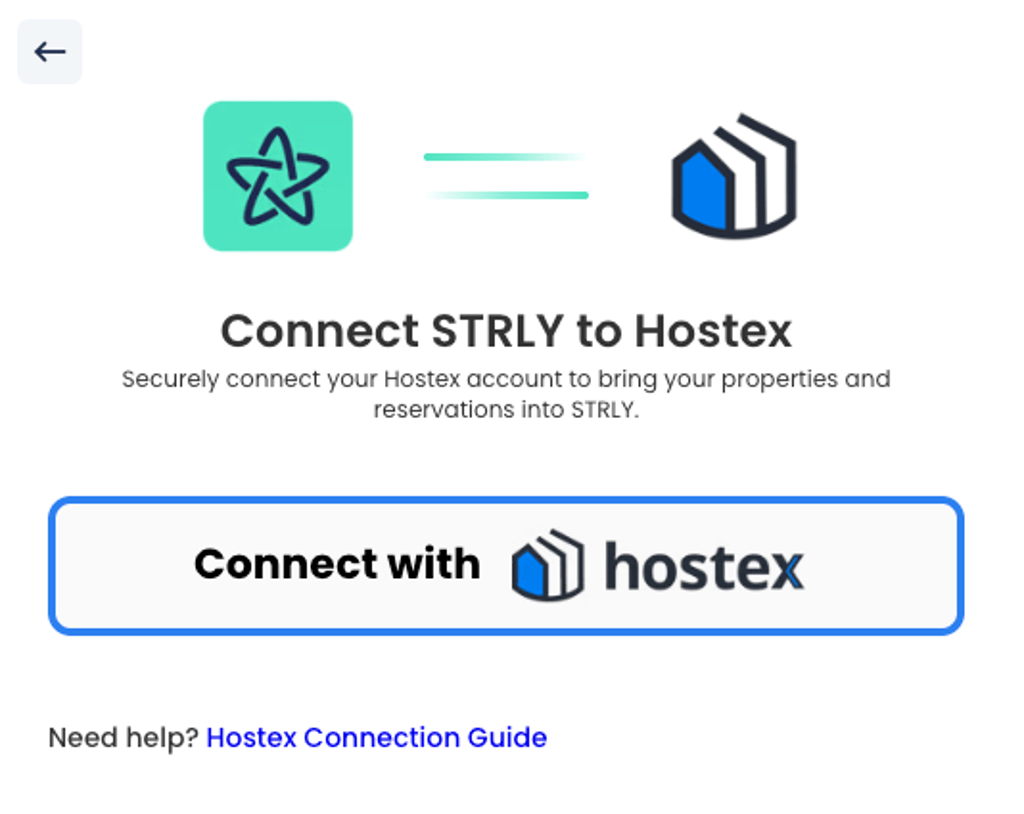
2. Click “Connect with Hostex” and login with your Hostex details.
3. Click “Authorize Strly”.
You’ll be redirected back to your Strly Host Dashboard.
Now that your Hostex account has been connected, your account will be configured to your preferences when onboarding.
That’s it!
Once you have connected your account, we will be in touch to finalise the integration and connection between Strly and Hostex.
If you have any questions, please email onboarding@strly.com
 English
  Chinese